
(1).png?w=1920&h=650)
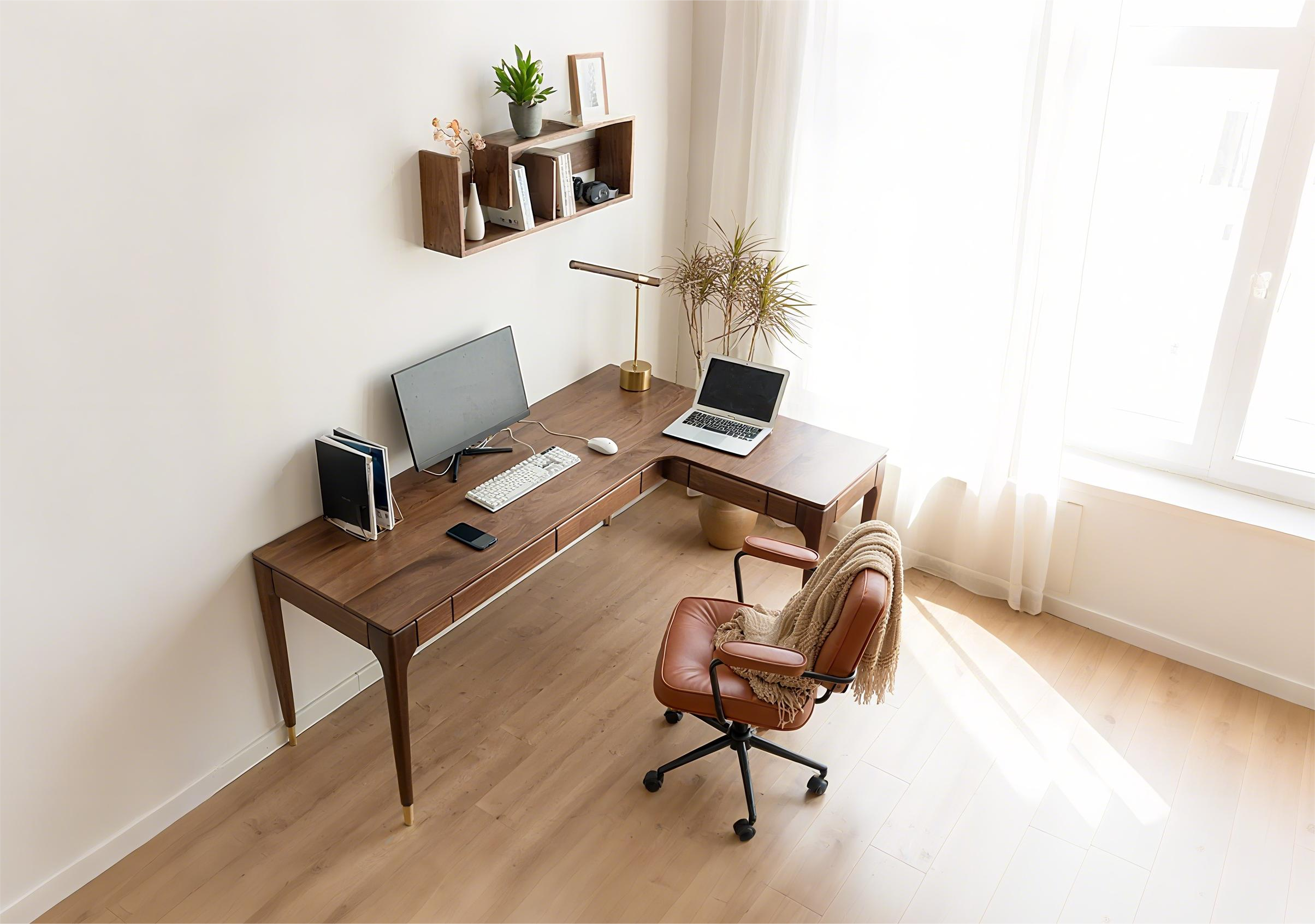
Your desk shouldn’t hurt your workflow. Optimizing standard desk size eliminates clutter, reduces strain, and maximizes productivity.
Whether you need a sleek computer desk or a robust office desk. His guide simplifies desk dimensions, from small computer desks to deep workstations. You’ll learn everything in this guide.
3 Types of Standard Desk Sizes
By standard desk size, we refer to the most common dimensions that fit any typical workspace needs. Below are the three universal standard sizes you'll find across manufacturers:
-
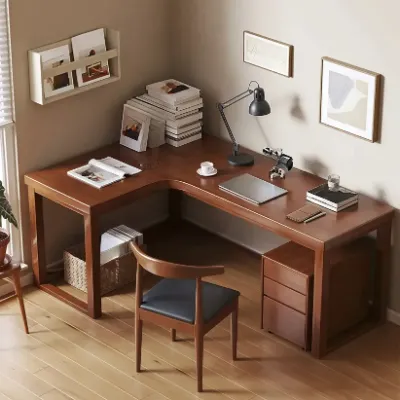
Small Standard Desk: These desks have a 36" width, 24" depth, and 30" height. It can fit one monitor and keyboard comfortably. It's an ideal desk size for tight spaces, dorm rooms, and minimalist laptop setups.
-
Medium Standard Desk: This office desk has a 48" width, 24" depth, and 30" height. It can easily accommodate 2 monitors/laptops with accessories. This will be the best choice for home offices and corporate workstations.
-
Large Standard Desk: This is 60" wide, 30" in depth, and 30" in height. It can handle three monitors, your paperwork, and task lighting easily. It's ideal for executive offices and multitasking workstations.
How to Choose the Right Size Desk for the Workplace
Selecting the perfect standard desk size isn’t guesswork. It’s strategic planning. You should follow these steps to match your workspace needs to the ideal desk dimensions, whether you need a compact small computer desk or an executive office desk.
1. Choose a Location for Your Desk
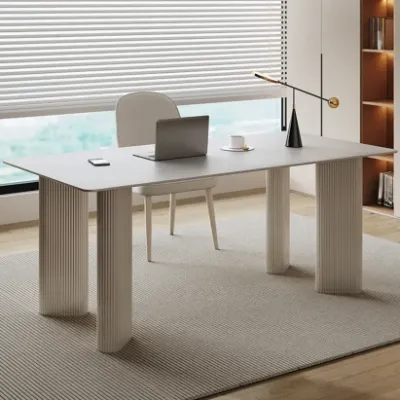
You should always think of the space you have for your desk before purchase. Before making a purchase, you should ask yourself, Will it live in a dedicated office? Does the spot have power outlets, natural light, or any distractions?
Asking these questions in advance helps you decide which desk size you should buy. Another tip for you is to avoid high-traffic zones. You should put it in a quiet corner to boost focus and let smaller desks (like a desk 40 inches wide) shine.
2. Measure Your Space
As we said, you should check out the space you have for your desk before buying it. Another step that must be done is measuring that space. You should take a tape and measure the width wall-to-wall and between furniture.
Then measure the depth from front-to-back clearance where the desk will be placed. Finally, measure the height of ceilings, shelves, and windows if there are any around.
3. Leave Space for Clearances
You should leave 33"–36" behind the desk for movement. And space for putting a chair, too. You should reserve 48"+ in front if adding chairs.
Try to map it out. You should use painter’s tape to visualize the desk dimensions on your floor.
4. Determine the Maximum Desk Width & Depth
Before the final purchase decision, you should cross-reference your measurements with the equipment. Measurethe width from left to right.
-
For a single monitor and keyboard. It should be greater than or equal to 40"; like a desk, 40 inches is ideal.
-
For dual monitors, the width should be 48".
-
And for depth from front to back. It should be 20” for laptop-only. And for the monitor and keyboard, 24 to 30", which are standard desk dimensions.
5. Choose a Desk Type
Your desk style changes space requirements, too.
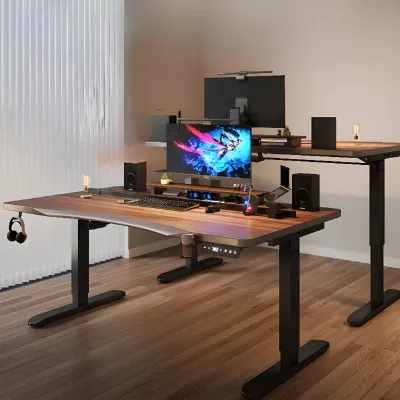
If you should have standing desks, you will need 10"+ overhead clearance when raised. So opt for adjustable bases.
With L-shaped desks, you need large corners at a minimum. 5’x5’. You should measure both legs, e.g., 60" x 48".
Another desk type is a corner desk. It's a space-saver desk for nooks. For this, the typical standard desk size should be 42" x 42".
6. Factor in Ergonomics & Comfort
Standard desk dimensions fail if they strain your body. So you should consider your comfort too when shopping for an office desk. For an average-height person, the desk surface should sit 10"–12" above the chair seat height.
A standard 30" desk with an 18" chair will be perfect for a 90° elbow angle.
Similarly, legroom should be considered too. You should ensure a 24" depth for knees.
And for armrests. Your desk must be 2 or more inches taller than the armrests to slide under.
7. Plan for Equipment & Accessories
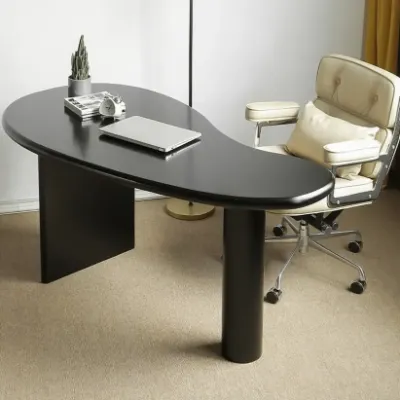
You should also consider the accessories you will be putting on your desk. To avoid a cluttered workspace. Here are some things you should consider.
- Monitors: Allow 20" width per screen.
- Keyboard: 16"–20" depth.
- Storage: File cabinets need 15"W x 18"D under-desk space.
- Accessories: Add 6"–10" width for lamps, organizers, or plants.
Why Standard Desk Size Matters for Productivity
Humans’ creativity and productivity can be easily affected even by small changes in their lives. Your desk size, whether you believe it or not, affects productivity too. An office desk's dimensions directly impact your health in a way.
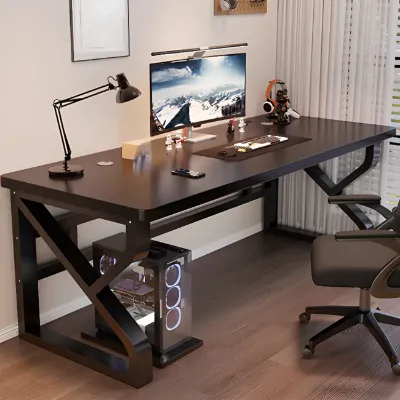
A standard 30" height and 24–30" depth keeps monitors at eye level and elbows at 90°, slashing neck strain and fatigue. Moreover, many studies show people using standard desk dimensions report less discomfort, translating to fewer distractions and longer focus.
For better productivity, you should optimize space for a sharper workflow. A desk 40 inches wide will force clutter-free organization, while a 48" width fits dual monitors without constant repositioning. Even small desks for small spaces boost efficiency when scaled right. In this way, you would not be wasting time reaching for supplies.
Find the Best Home Furniture at HomeyFad
Without a doubt, choosing the right standard desk size transforms your workspace, boosting productivity, comfort, and flow. Whether you need a spacious office desk for dual monitors or a compact 40-inch desk for tight corners.
Are you ready to revolutionize your workspace? Check out HomeyFad’s office desk. You can buy every type of home furniture here.
FAQs
Q: Is a desk 40 inches wide enough for two monitors?
A: Possible with monitor arms, but 48"+ width is ideal. A 40" desk suits one monitor + accessories.
Q: What depth do I need for a computer desk?
AA: The standard 24" depth fits most monitors and keyboards. Choose 30"+ for multiple screens or printers (Depth Guide).
Q: What if I upgrade to dual monitors later?
A: Start with a≥48" width. Avoid small desks for small spaces under 40" if future-proofing (Planning Tips).
Q: How much space is needed behind a desk?
A: Minimum 33–36" for chair movement. Add 48" in front for guest chairs (measurements).

-41.jpg?w=1600&h=900)




 Add Us On Google